Local motion processing
Recognition happens on the device, reducing latency and keeping sensitive interaction data close.
Sign in to Porocox to access your orders, account settings, and more.
Gestura
A cleaner, quieter way to move through your device. No clicks. No reaching. Just natural gestures that keep the focus on what you are doing.
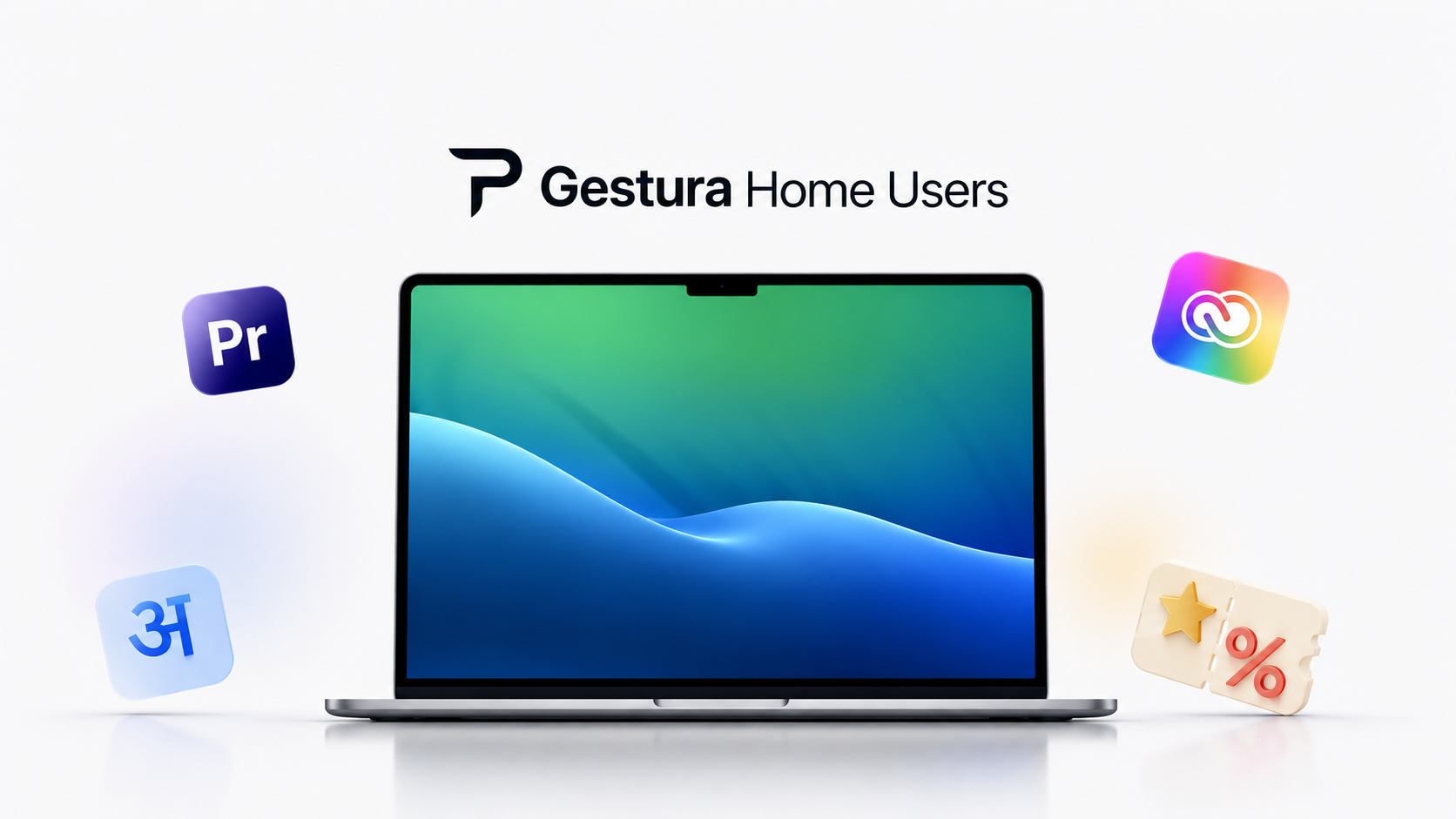
Everyday gestures
Gestura turns familiar movements into precise controls. Pause a video, scroll a page, move through notes, or mute a call without breaking your rhythm. The interface gets out of the way so your attention can stay where it belongs.
Privacy by design
Motion is processed locally, with no cloud dependency for recognition. The camera is used only when you allow it, and Gestura is designed around presence, not recording.
Recognition happens on the device, reducing latency and keeping sensitive interaction data close.
Gestura activates only when the user grants access and the experience calls for it.
Fast, readable gestures for home, study, creative work, and presentations.
Gestura Pro
Step through slides, trigger workflows, navigate timelines, and keep complex actions close at hand. Pro is designed for people who want their tools to feel powerful without feeling loud.
The lineup
From calm home control to professional workflows and lightweight motion sensing, each version keeps the same goal: technology that responds naturally.
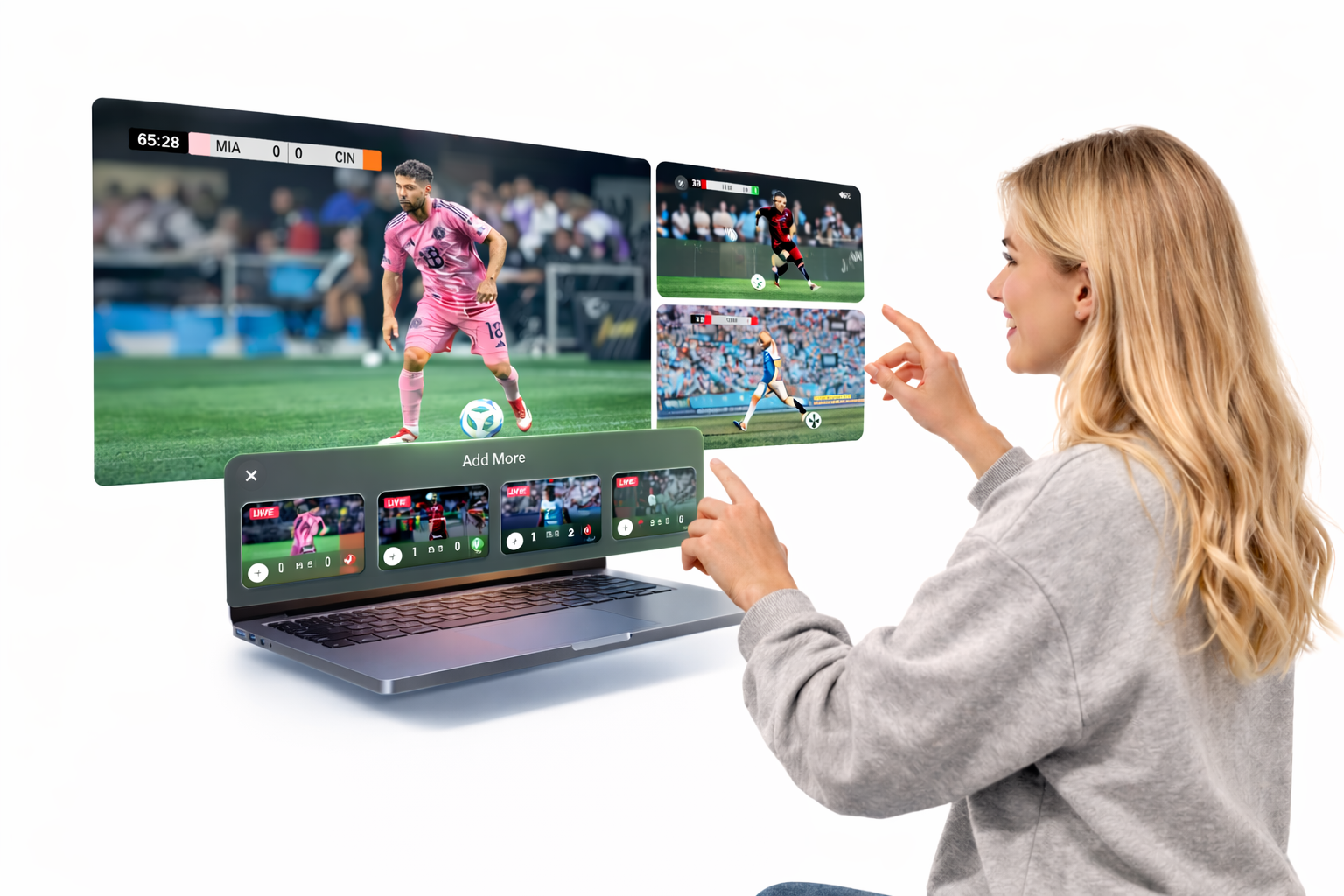
Advanced gestures and workflow shortcuts for creators and professionals.
View products →
A lightweight gesture experience made for flexible desks and portable setups.
View products →Gestura is designed to make control feel less like a command and more like a continuation of thought.